We’re pleased to announce that we have added support for the following 32 languages: Afrikaans, Albanian, Amharic, Armenian, Azerbaijani, Bengali, Burmese, Estonian, French (CA), Georgian, Gujarati, Icelandic, Kannada, Kazakh, Khmer, Kyrgyz, Lao, Macedonian, Malay, Malayalam, Mongolian, Marathi, Nepali, Persian, Punjabi, Serbian (Latin), Sinhala, Swahili, Tamil, Telugu, Urdu, and Uzbek.
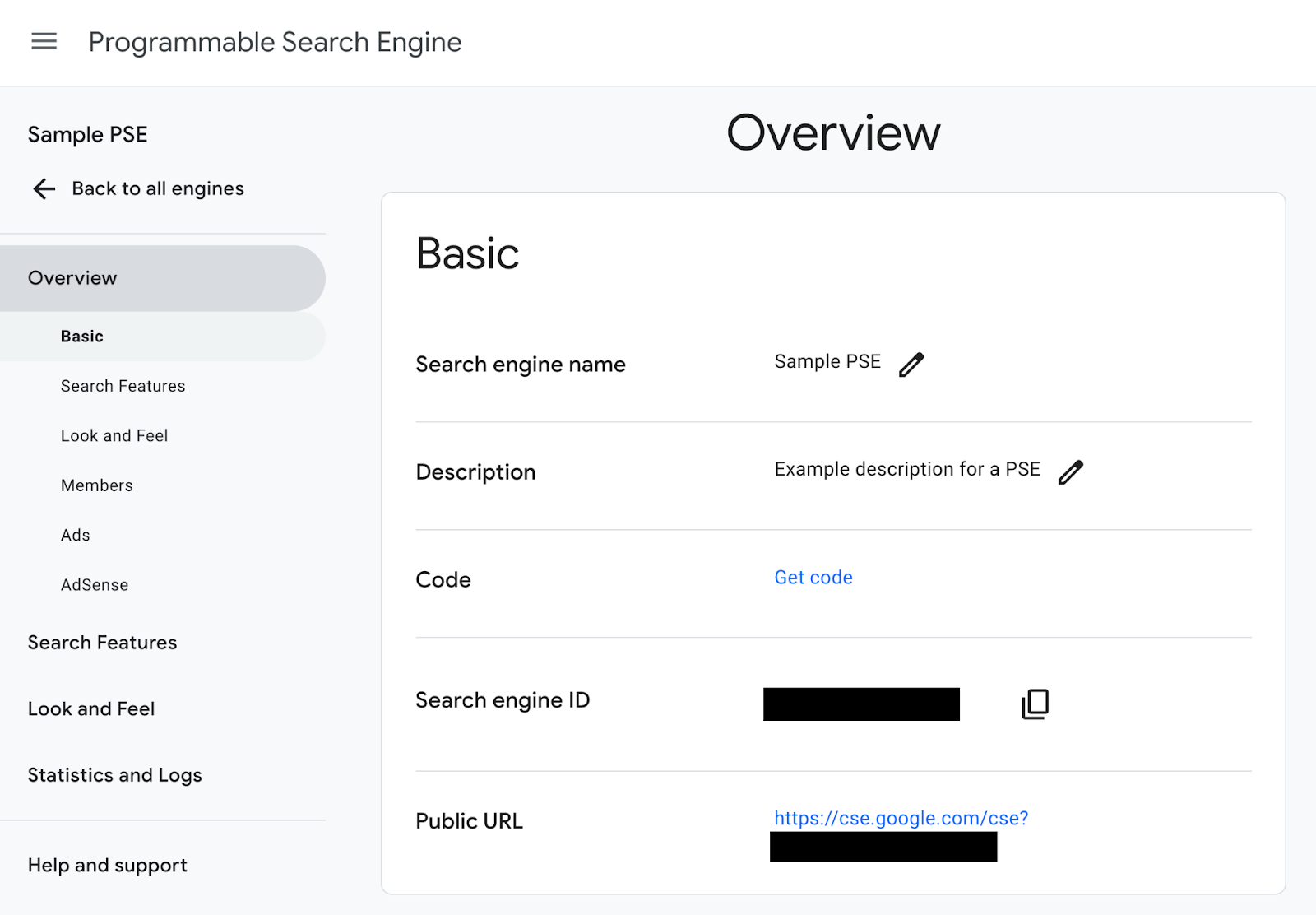
Engine owners can now select one of these languages for their search engine in the Control Panel by navigating to Overview > Look and Feel > Language.
The Custom Search Site Restricted JSON API endpoints will cease serving traffic on December 18, 2024.
Beginning on December 18, 2023, all Custom Search Site Restricted JSON API customers must begin their transition to Google Cloud's Vertex AI Search to maintain access to their site search functionality.
This year, Google Cloud has released a number of new AI products, and we are constantly working to improve our existing products with new AI features. We believe that our Custom Search Site Restricted JSON API customers will be better served by the new Vertex AI Search product, which offers a number of advanced features, including:
Advanced site search: Improved latency and domain coverage
Gen AI features: Summarization and multi-turn queries
Reverse Image search
Vertex AI integration via Vertex extension platform
Finally, we believe that the new Vertex AI Search solution will generally be more cost-effective and offer better value for our customers.
We have made the transition to Vertex AI Search as easy as possible for our partners by providing detailed transition guidance. We are here to support you through the process.
We appreciate your understanding and cooperation. If you have any questions, please do not hesitate to contact us.
We’re excited to share news of a new product our partners over at Google Cloud just announced, Vertex AI Search! If you use the Custom Search Site Restricted JSON API we believe this product is likely a good fit for you.
Vertex AI Search allows you to set up and deploy a Google-grade site search engine in minutes at a competitive price. In addition to the basic search experience, Vertex AI Search provides an advanced option, which includes:
Because we believe Vertex AI Search best serves the needs of site restricted search use cases, we are no longer receiving new customers for the Custom Search Site Restricted JSON API. This has no effect on existing customers.
If you are interested in moving from the Custom Search Site Restricted JSON API to Vertex AI Search, you can find transition guidance here.
Last July, we introduced the new Programmable Search Engine control panel. While we continued to provide the option to use the legacy control panel, we’re glad to see that the vast majority of customers have found value in the new control panel and made the switch permanently. During this time, we’ve worked diligently to respond to feedback and ensure the new control panel has all the features customers need and expect from Programmable Search Engine.
Today, we’re confident that the new control panel is more user-friendly and intuitive, making it easier than ever to create and manage your search engines. Therefore, the legacy control panel will be retired on June 21, 2023 and all remaining traffic will be redirected to the new control panel.
We’re confident you’ll like the new control panel as much as we do. As always, your feedback is welcome and encouraged as we continue to improve Programmable Search Engine.
As the search space continues to evolve, we want to make sure that Programmable Search Engine continues to evolve to meet the needs of your users. We’ve decided to remove the Popular Queries JavaScript API (https://cse.google.com/api/<Search Engine ID>/popularqueryjs). Starting on November 11, 2022, this feature will no longer be available.
If you’ve been showing Popular Queries on your website, we’re glad to let you know that the Stats tab of the Statistics and Logs page in the Control Panel still shows popular queries for your Programmable Search Engine. We know this may be disruptive, so if you have questions or need assistance, please check out the Help Center or reach out to us on the Community Forums.
While the current control panel has served our customers well over the years, the time has come for a refresh. Today, we’re excited to announce the launch of the new Programmable Search Engine control panel!
We are pleased to announce that Programmable Search Engine now includes support for JSON-LD structured data in addition to the many formats already supported. This JSON-LD support includes:
Structured data restricts
Structured data sorting and biasing
Structured data in search results
We currently support JSON-LD annotations that include any of 42 Schema.org types descended from Event, ClaimReview, and EducationalOrganization. If you have other types that would be useful for your specific use case, please let us know in the Support Forum.
Google recommends using JSON-LD for structured data whenever possible.
Use a simple, search the web engine, like this, and search for:
more:pagemap:broadcastevent-islivebroadcast:true
A more specific restrict like:
more:pagemap:event-name:new_years_day
searches for results with structured data events with a name starting with new years day, and returns fewer results. The results become more focused when the restrict is combined with other query terms, like “music”. We can also use more than one restrict to generate a very precise query, like:
more:pagemap:event-name:new_years_day more:pagemap:event-description:louisiana
Structured data queries like these work on any Programmable Search Engine. The structured data restricts can combine with the Search Engine’s site restricts to give a tightly-focused search.
Here’s a search engine that uses restricts based on JSON-LD structured data to search YouTube. It includes two refinement selections:
Startdate in 2020
Live Event
The values of the corresponding refinements are:
more:pagemap:broadcastevent-startdate:2020